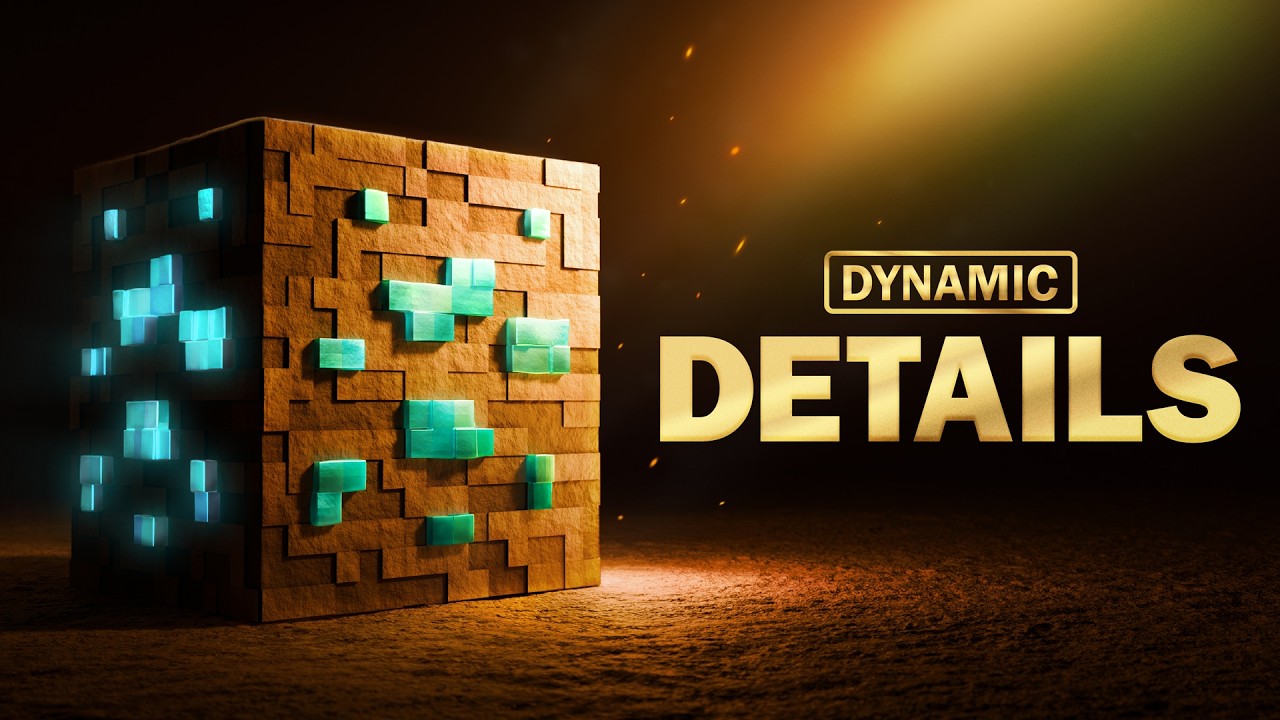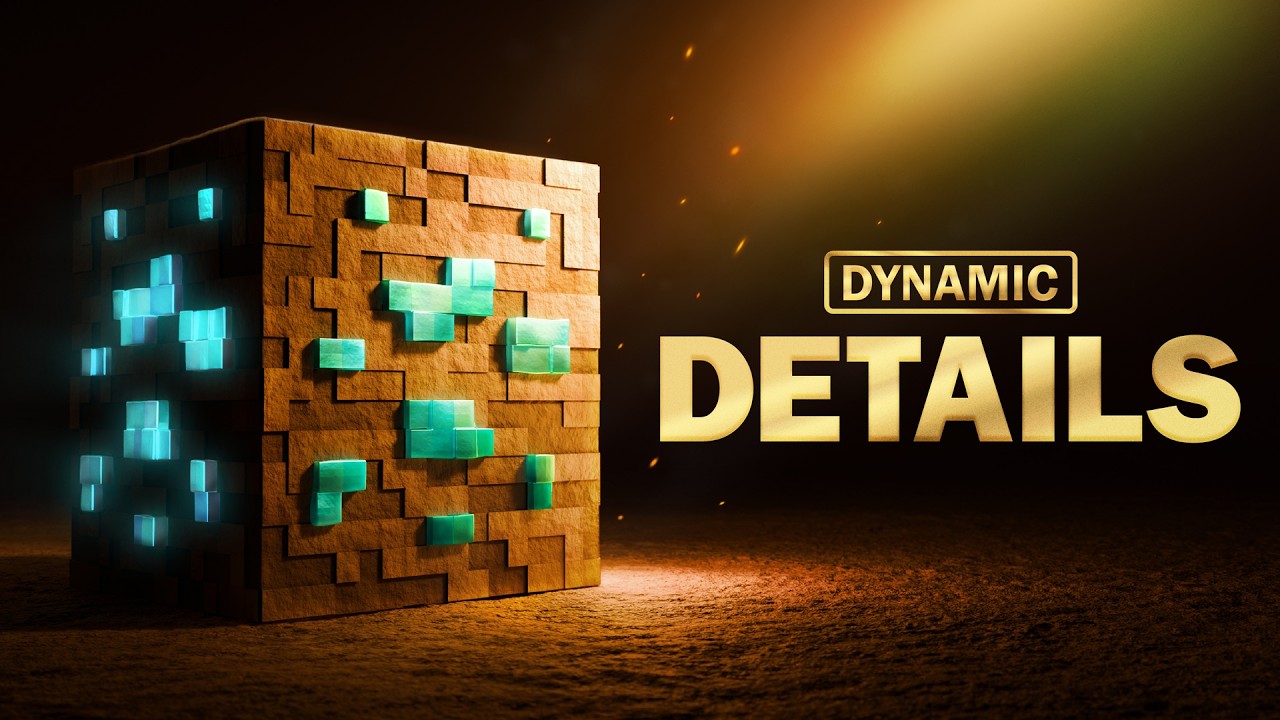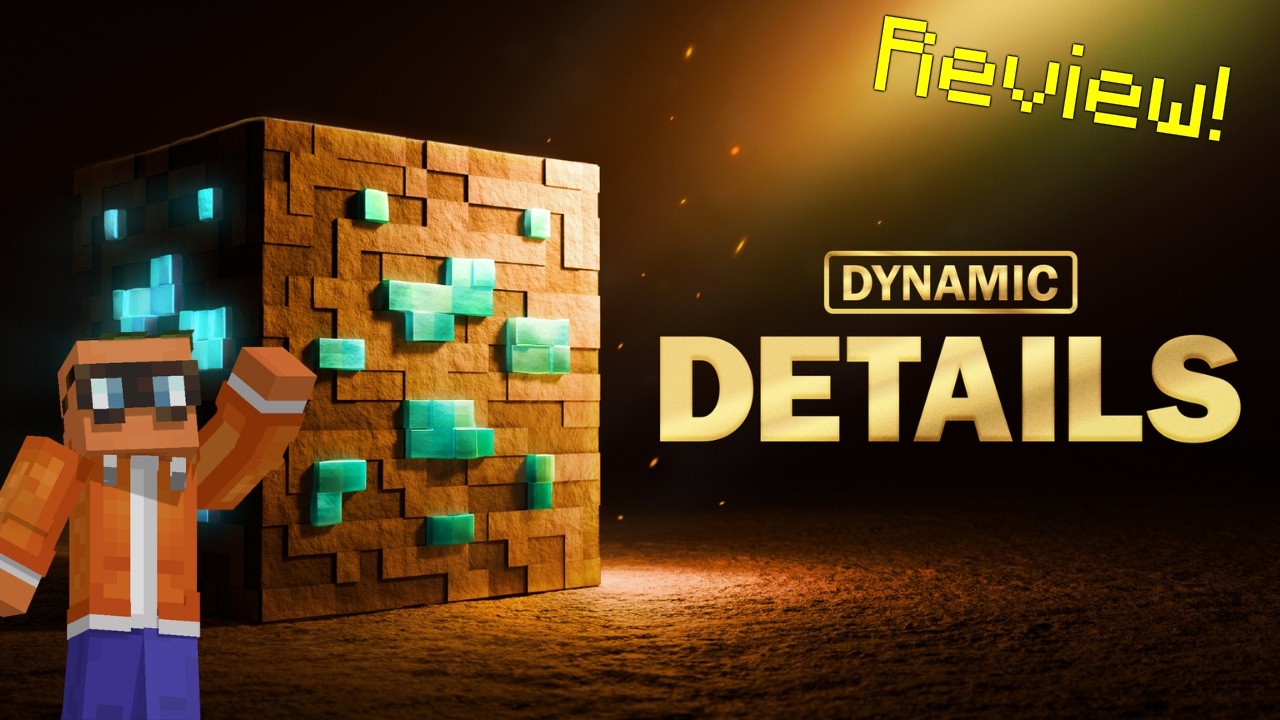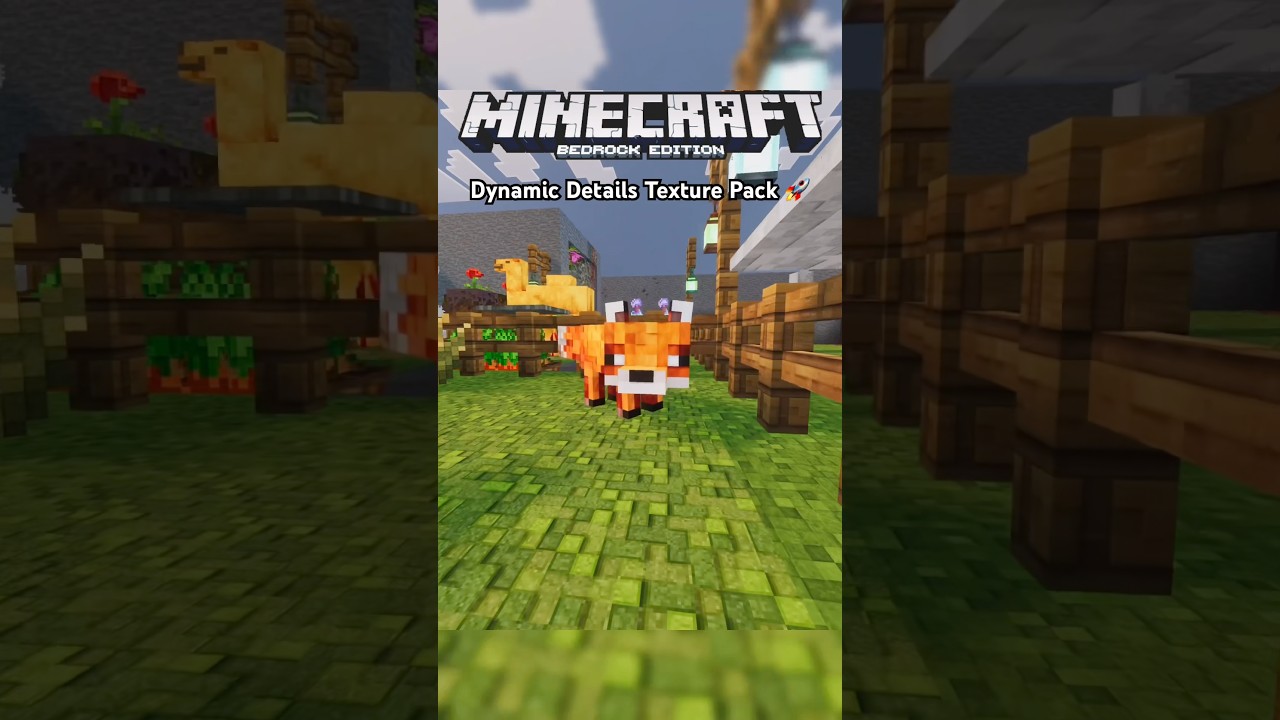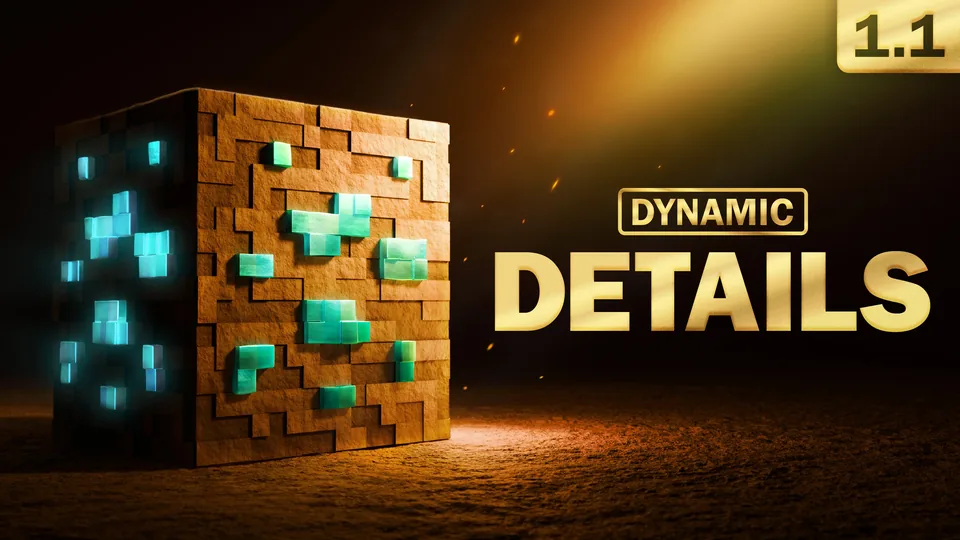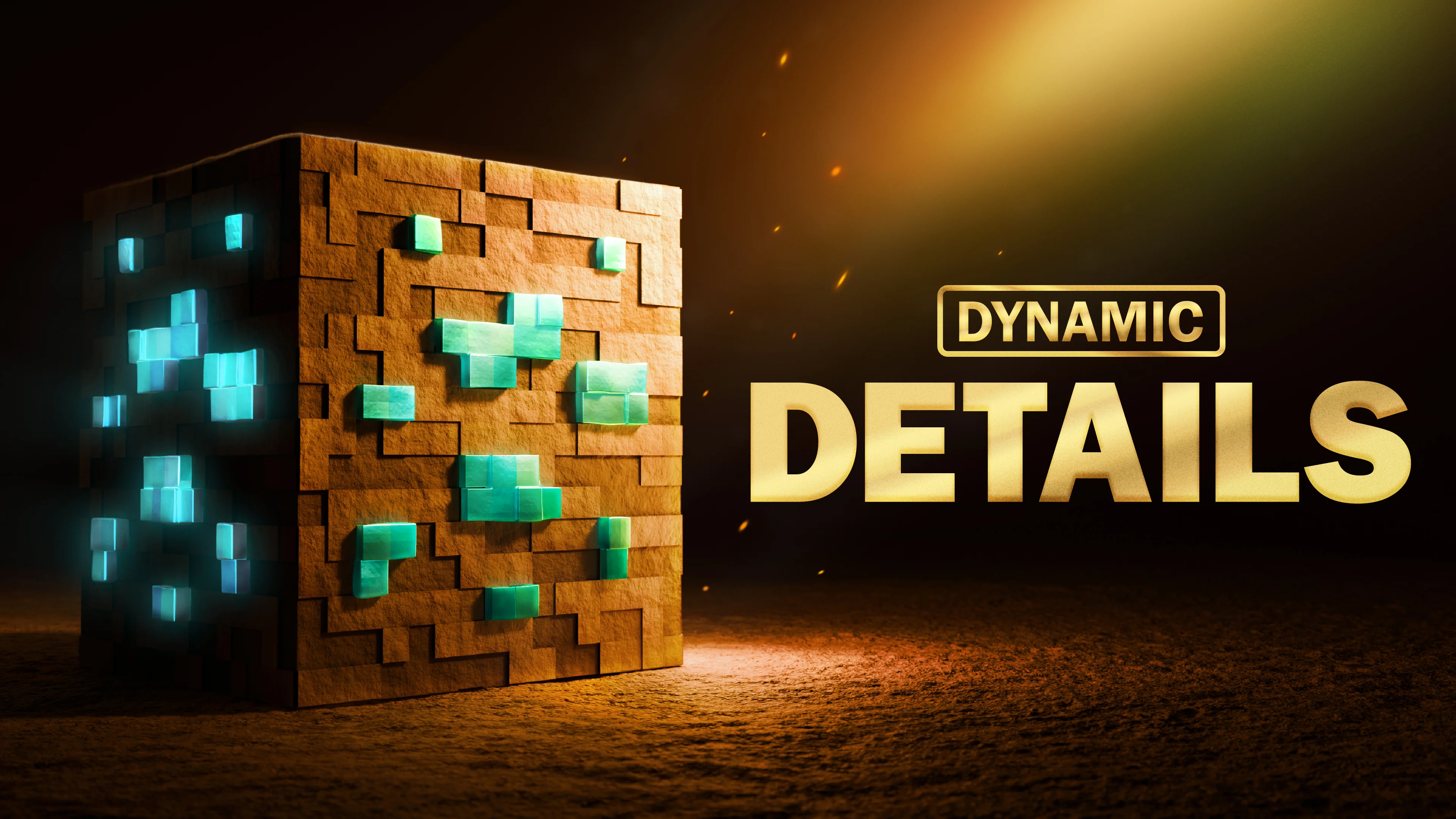
Dynamic Details Key Art

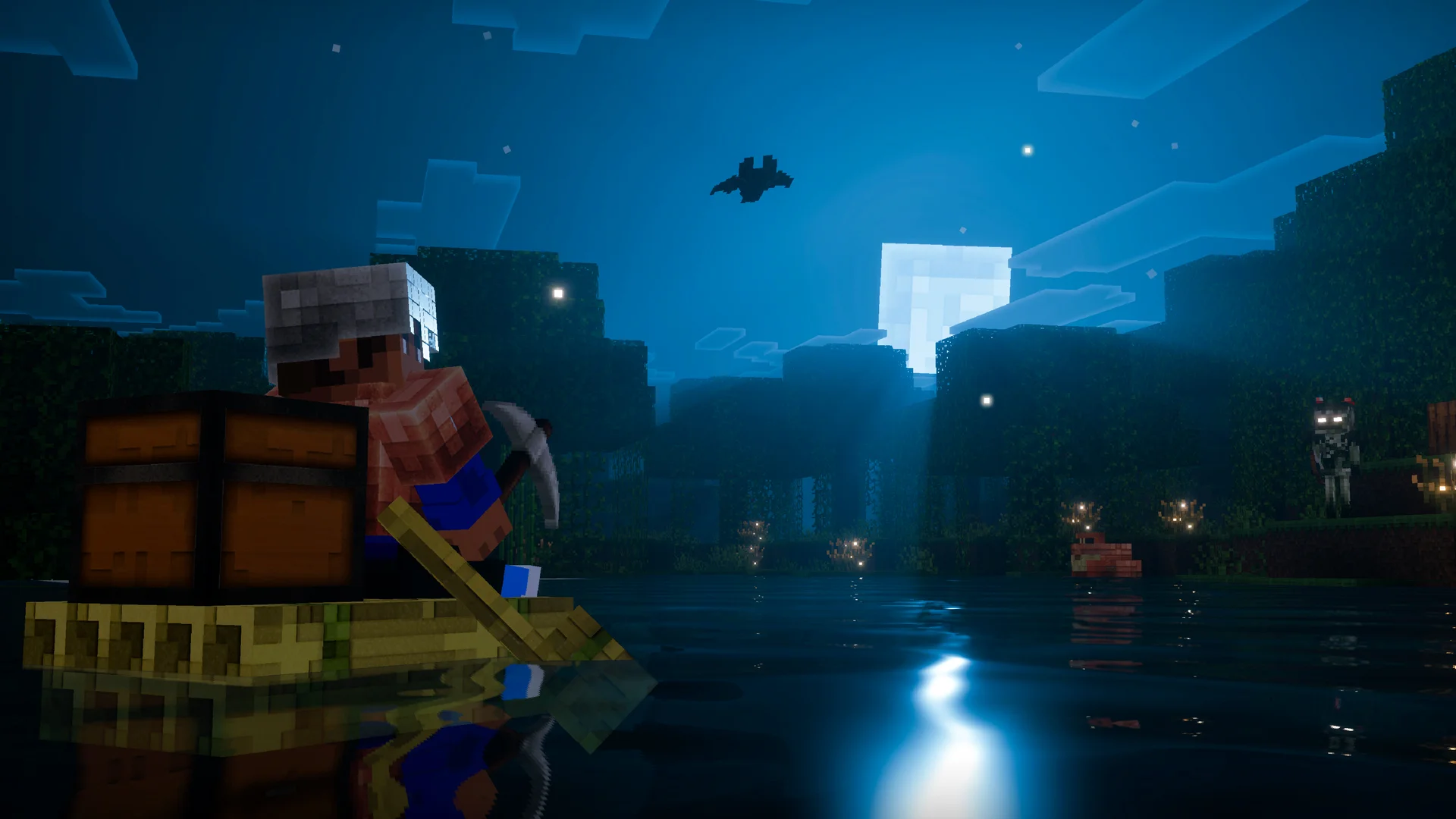
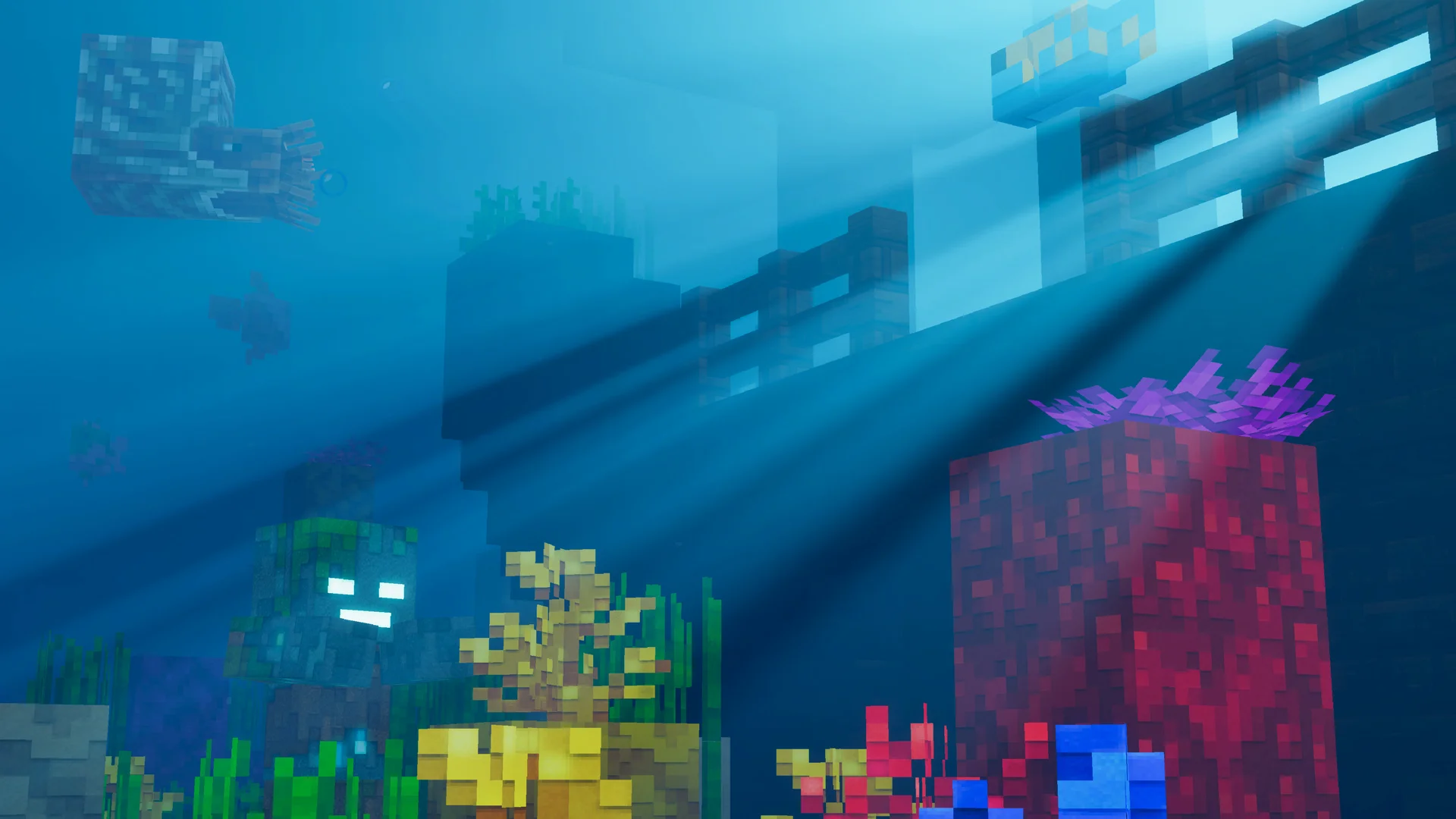
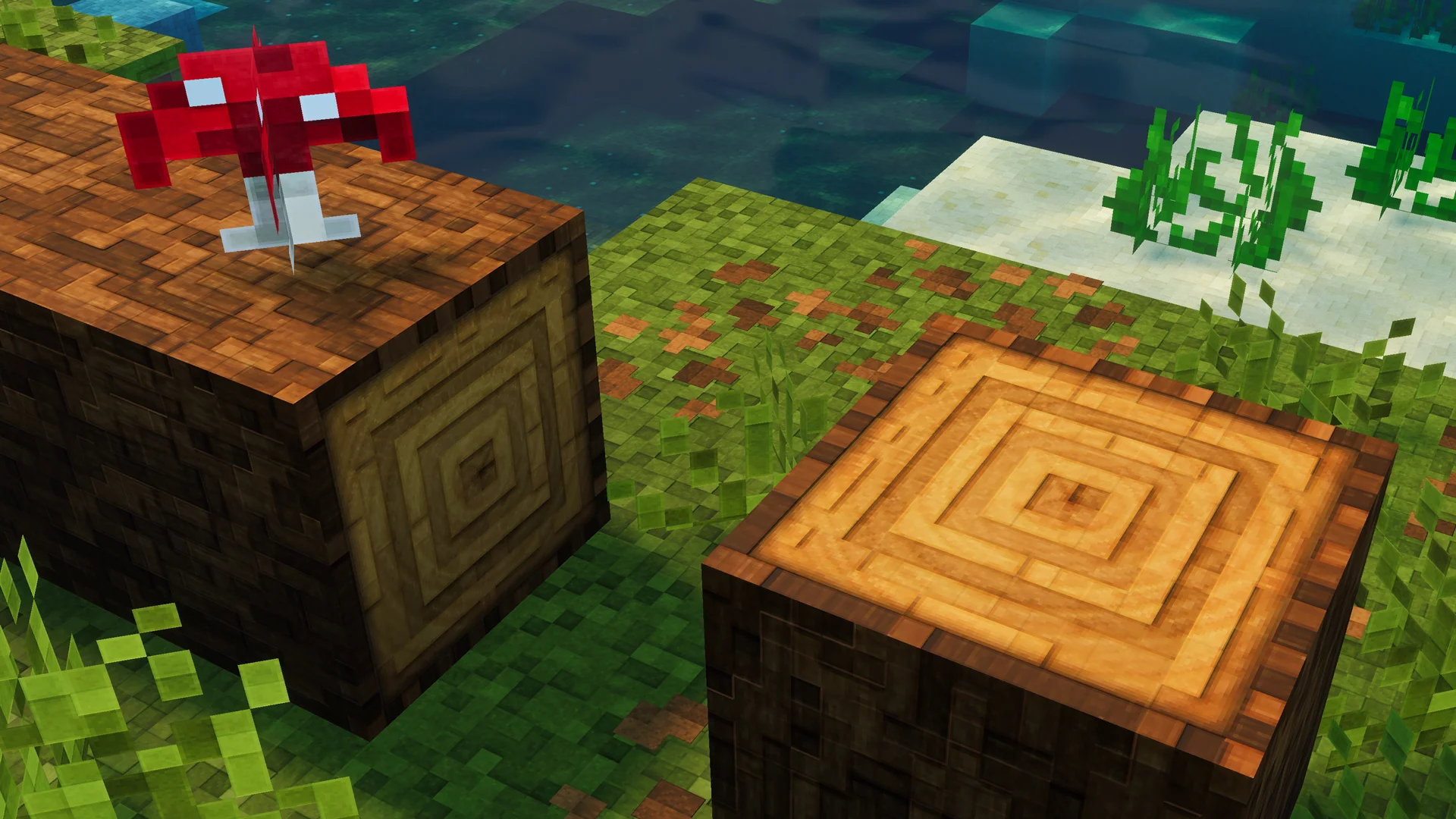
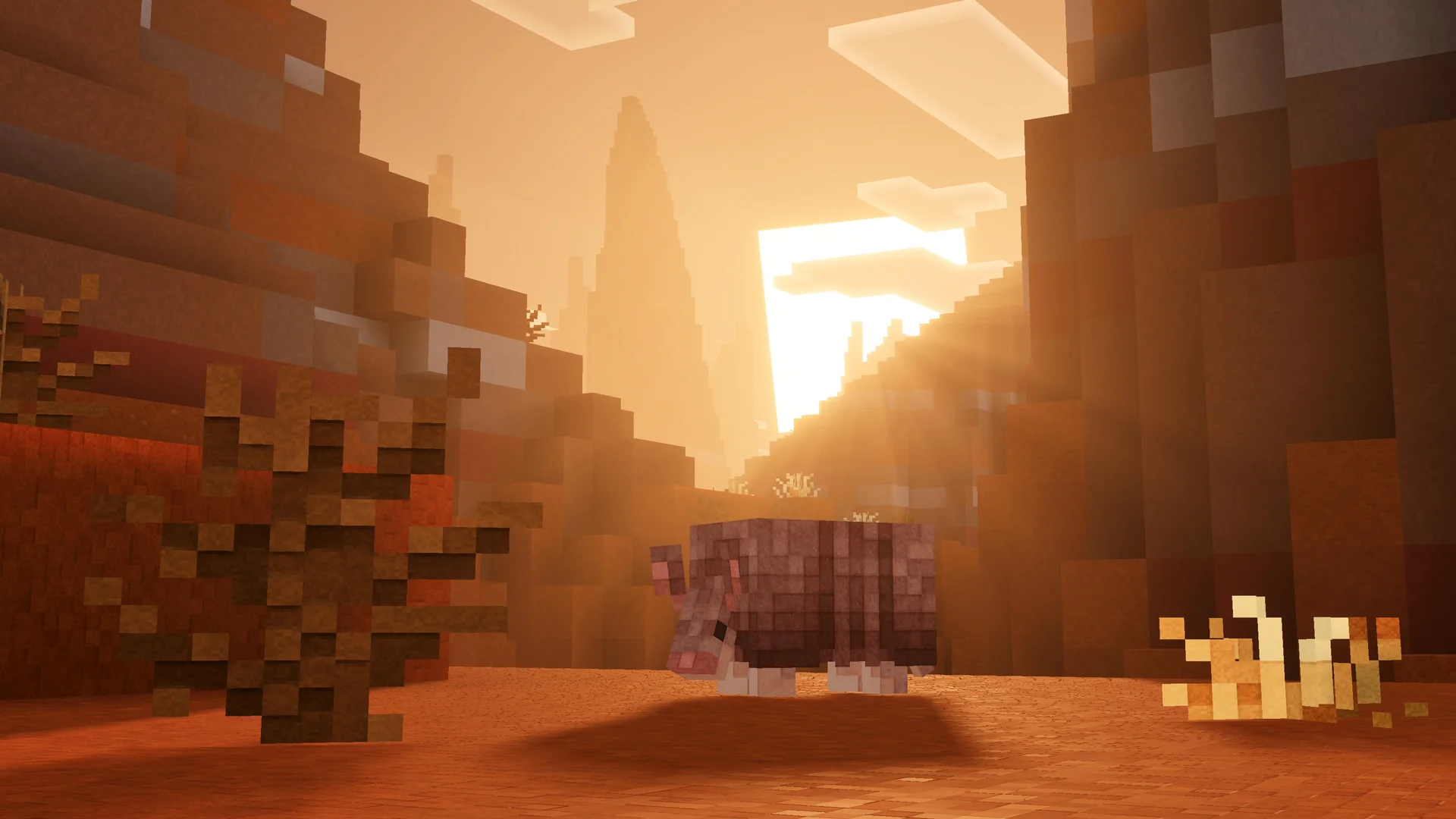
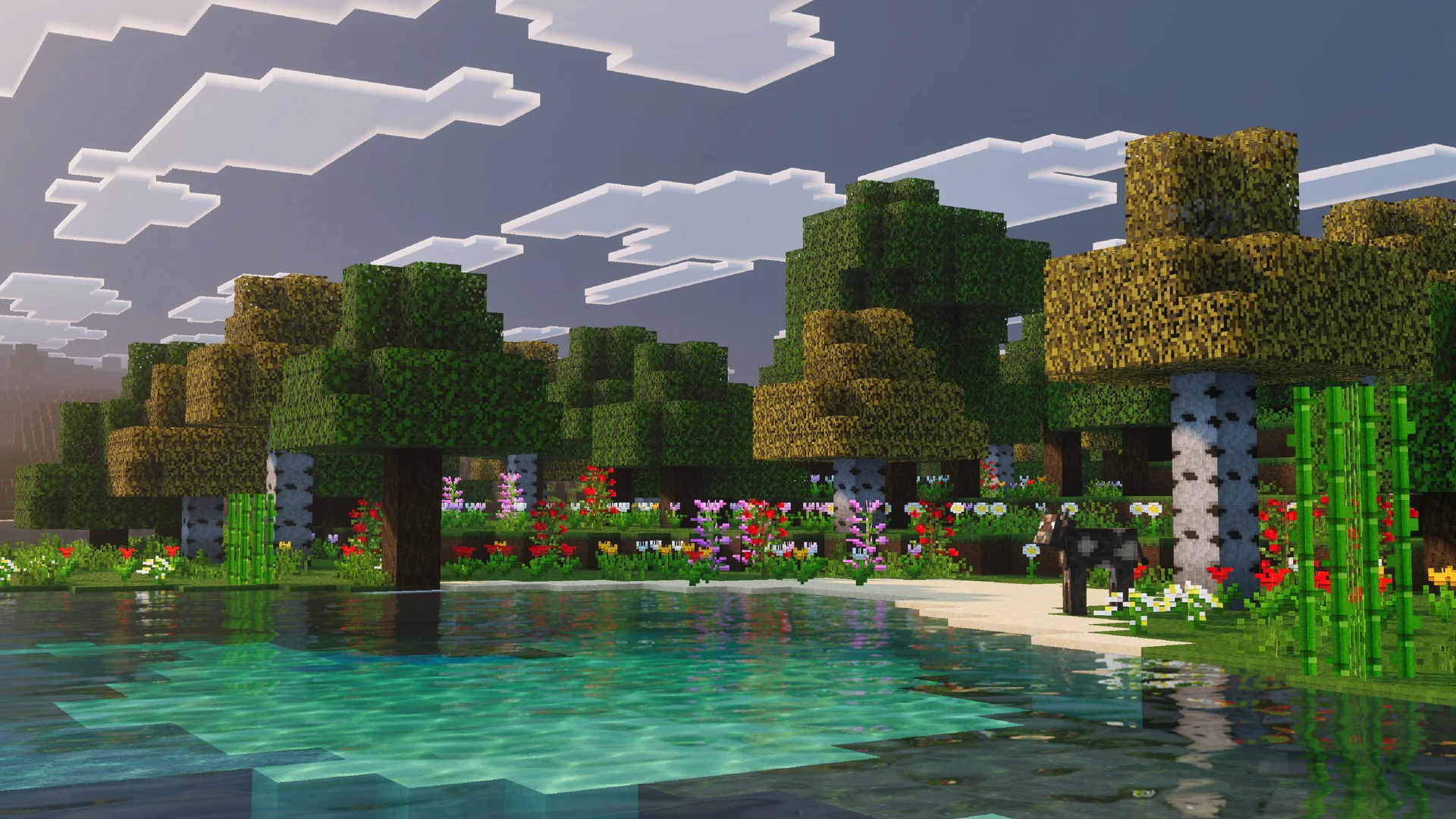
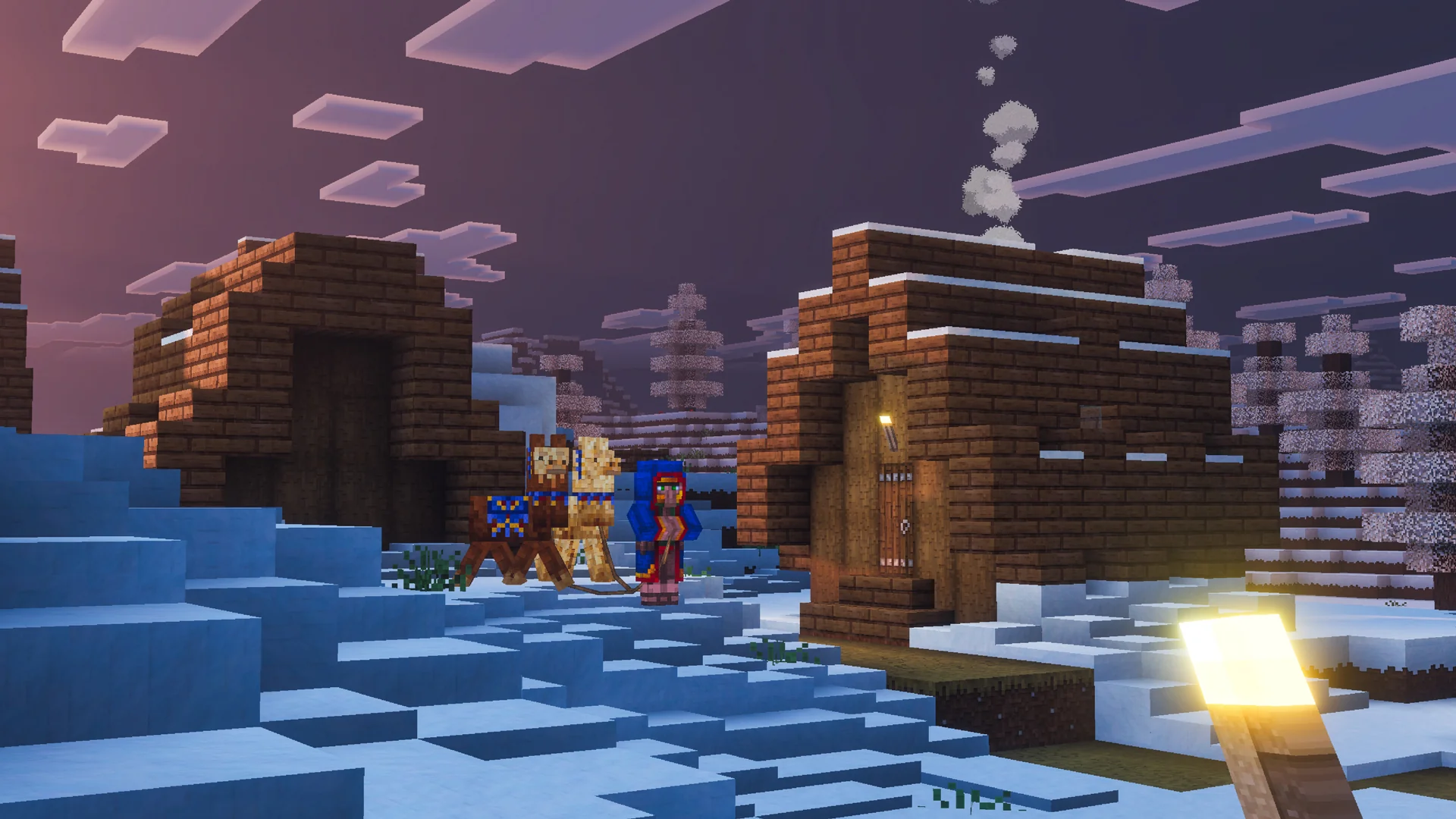
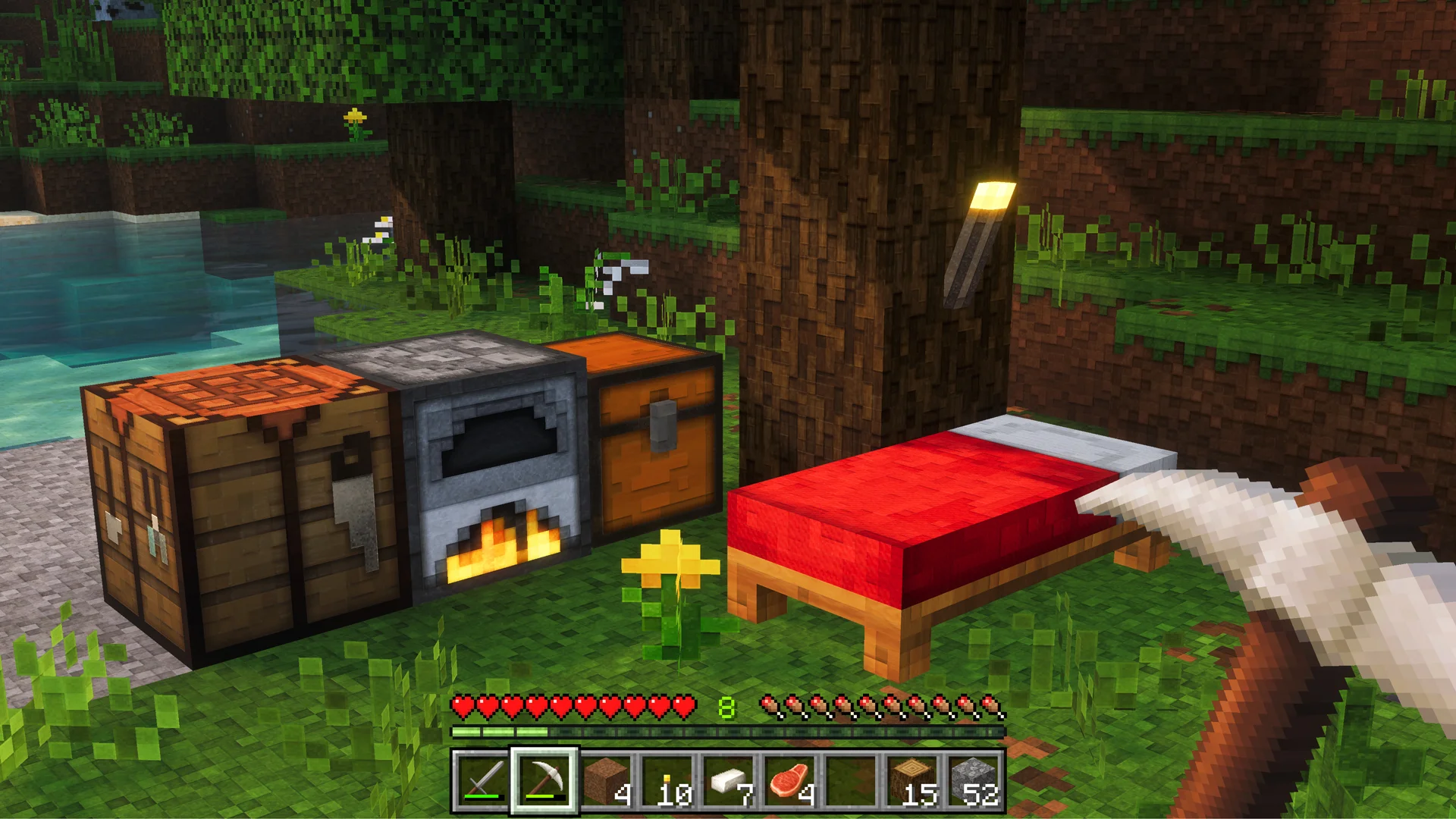
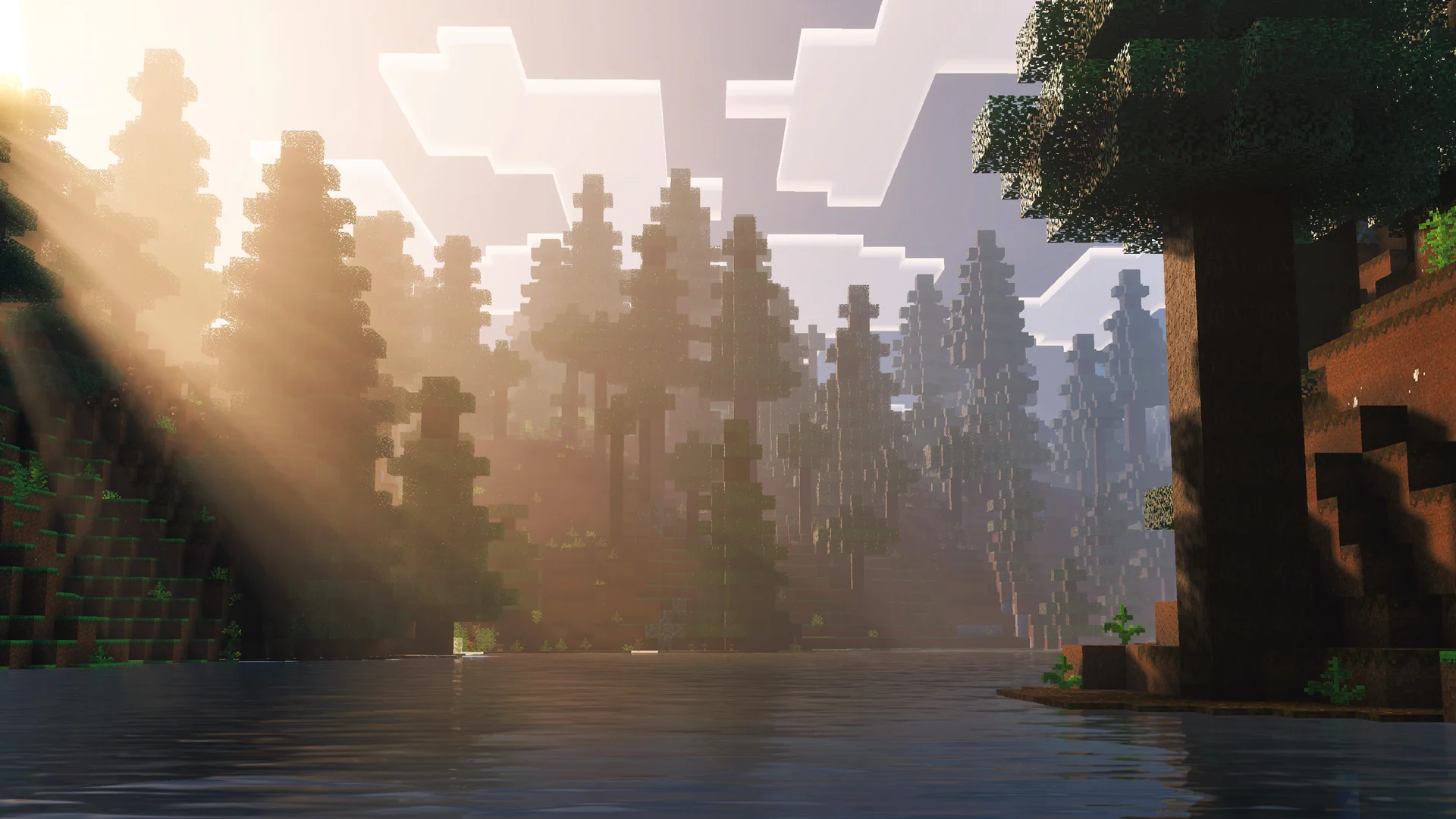
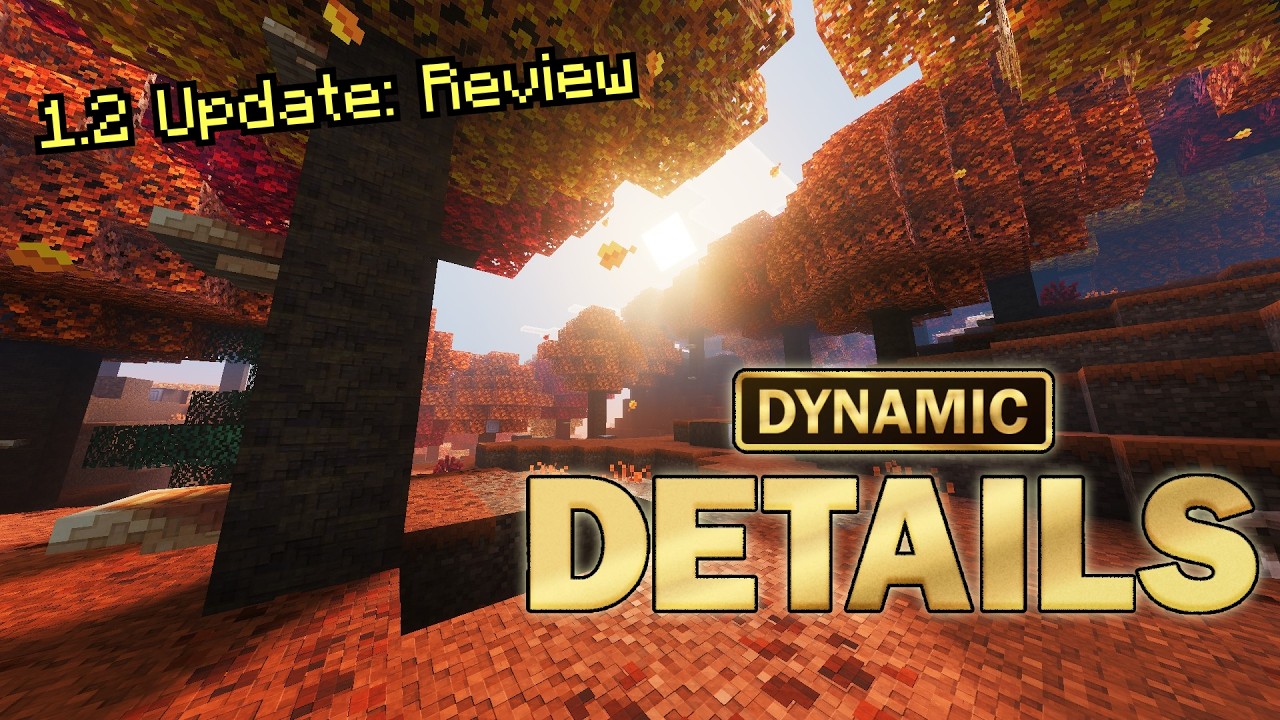
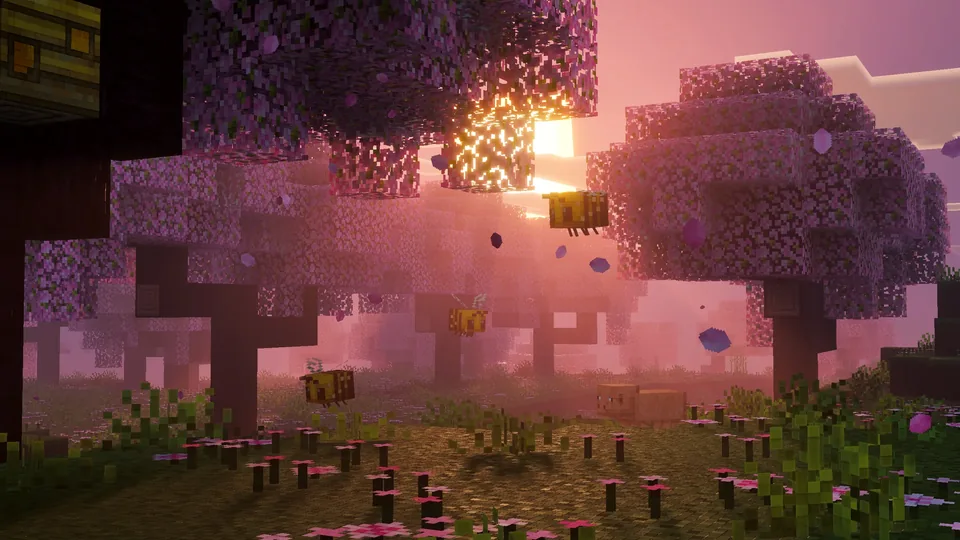
Dynamic Details introduces a brand new level of visual depth to your world.

Striking 3D effects, breathtaking atmosphere, cinematic water & so much more!

▸ Stunning lighting & natural colors

▸ Block & Mob variants

▸ Choose from 3 included versions: Vanilla, 64x & 128x

Panorama
← Drag to explore →

YouTuber Reviews

To be added
To be added
To be added

FAQ

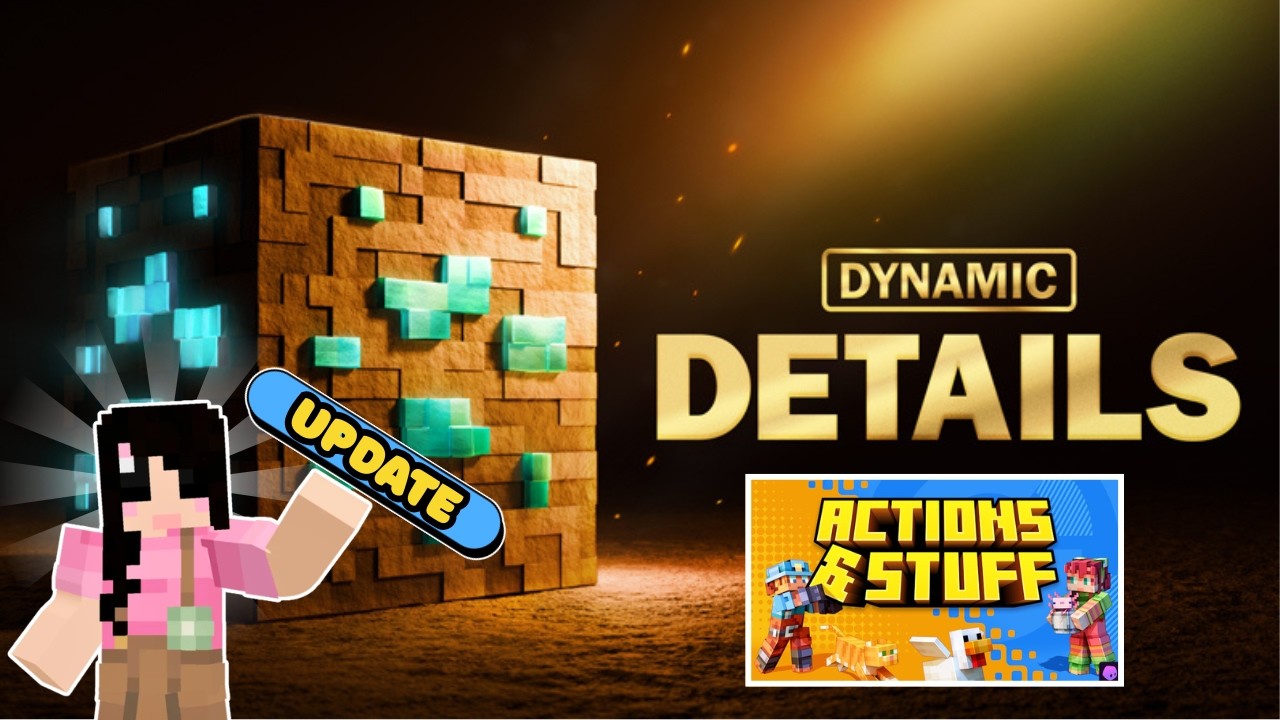
Yes! To use Dynamic Details with Actions & Stuff:
• Put Dynamic Details as the top layer
• Put Actions & Stuff below it
• Activate "16x" mode inside the Actions & Stuff settings
This way you'll get A&S animations combined with Dynamic Details' textures and lighting.
If your device supports Vibrant Visuals, Dynamic Details can run perfectly fine! If you want the Dynamic Details look with smoother performance, we recommend choosing the 64x version for a strong balance between detail and speed.
Dynamic Details includes three versions:
• Vanilla 16x (Default) – classic vanilla look with Dynamic Details lighting and atmosphere
• 64x – enhanced detail with stronger depth
• 128x – the most detailed and immersive version
You can choose the version that fits your device and preference.
Go to your Resource Packs, activate Dynamic Details, click on it, press the settings icon, and choose your preferred version.
You can get Dynamic Details for just 830 Minecoins on the Minecraft Marketplace!
Vibrant Visuals enables the lighting, shading, and depth effects that make Dynamic Details possible. Without it, these visual enhancements cannot function.
Yes! As long as your Realm allows resource packs and all players have Vibrant Visuals compatible devices, it will work properly.
No. Dynamic Details is purely visual. It does not change mechanics, crafting, mobs, or balance.
Yes, although results may vary depending on the pack. If you are using Actions & Stuff, follow the setup instructions above for the best experience!
Dynamic Details improves water clarity and depth, giving it a more natural and immersive appearance while staying consistent with Minecraft's style!
Reload your world! This is a known Minecraft Vibrant Visuals behavior and is usually resolved after reloading.
Go to Settings → Video → Vibrant Visuals Options → Adjust Gamma. We recommend setting Gamma to 100%. If you prefer stronger contrast, you can lower it to your personal preference.
Use 16x mode. It keeps the lighting and atmosphere while staying closest to the classic vanilla look.
Yes! The pack includes block and mob variants to make environments feel more dynamic and alive.
Unfortunately, no. Vibrant Visuals is currently not supported on Nintendo Switch, so Dynamic Details cannot run on that platform.
Yes! You are welcome to create content using Dynamic Details. If you would like to use our high-quality promotional assets, you can find them in our Media Kit.
Refunds are handled directly by the Minecraft Marketplace and your platform (Xbox, PlayStation, Apple, Google Play, etc.). Please contact their support for refund requests.
Yes! You can activate it in any existing world and the visuals will update immediately.
No. Dynamic Details works through Vibrant Visuals and its texture enhancements. No external shaders are required.
You can report bugs or get help through:
• Our Guide
• Our Support Page
• Our Discord Community
Discord Instagram TikTok YouTube